Minesweeper
Play the game!
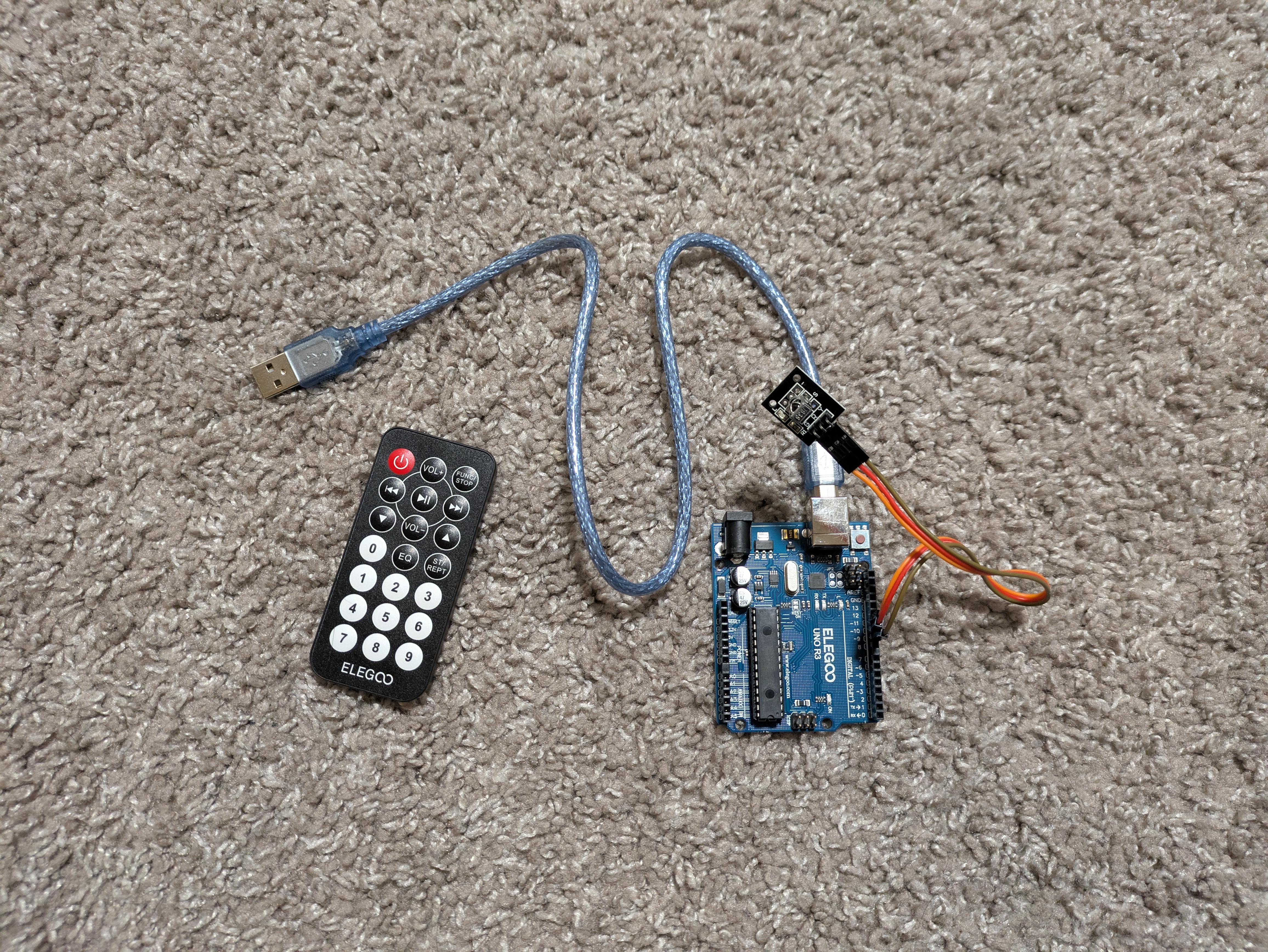
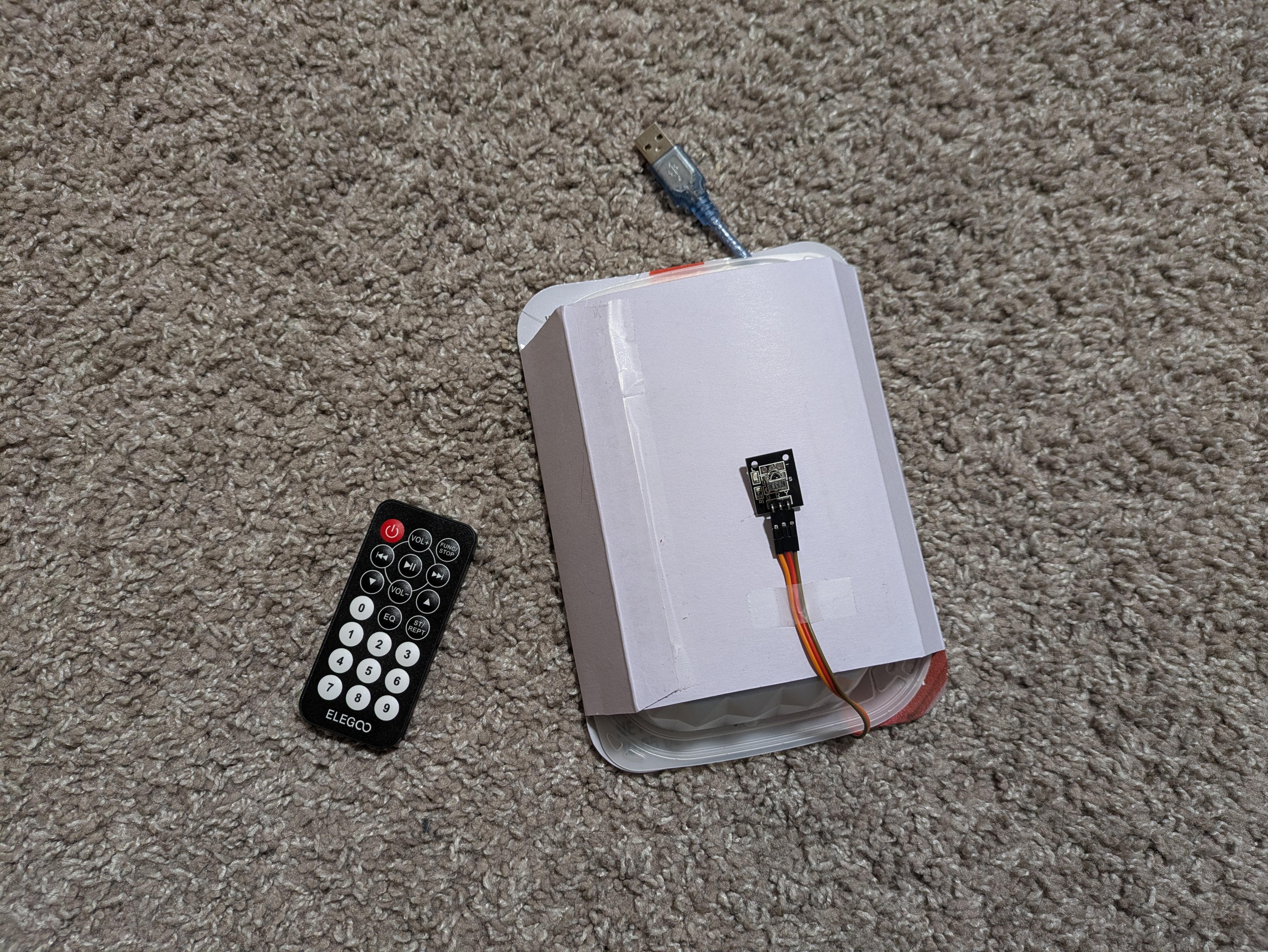
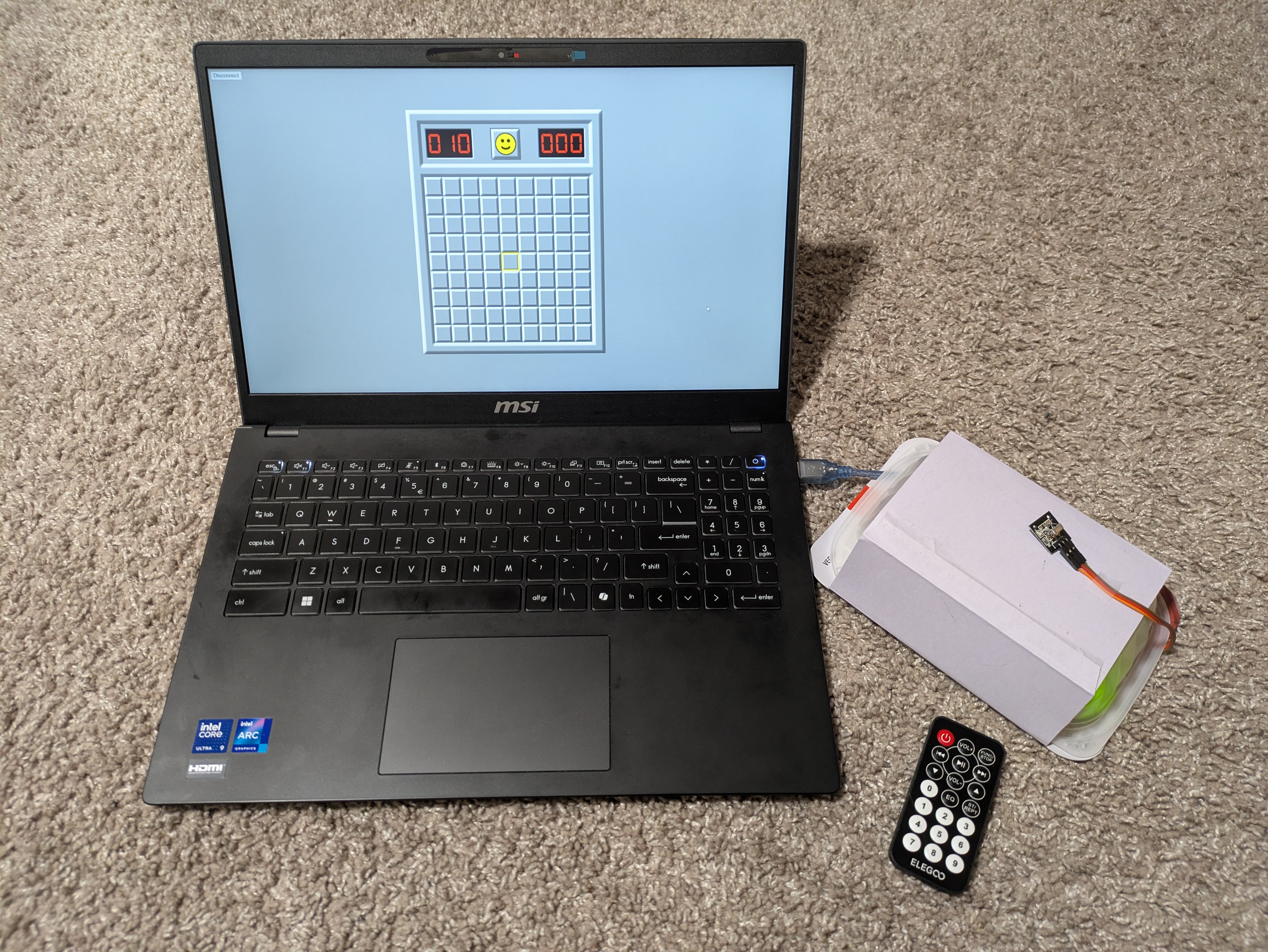
I had coded Minesweeper in Java in the console in 2022, and I had always wanted to add a more fleshed out visual interface to it. With this project, I also added a separate game controller, which is always nice to have to be able to play with a dedicated input device.
Game Description
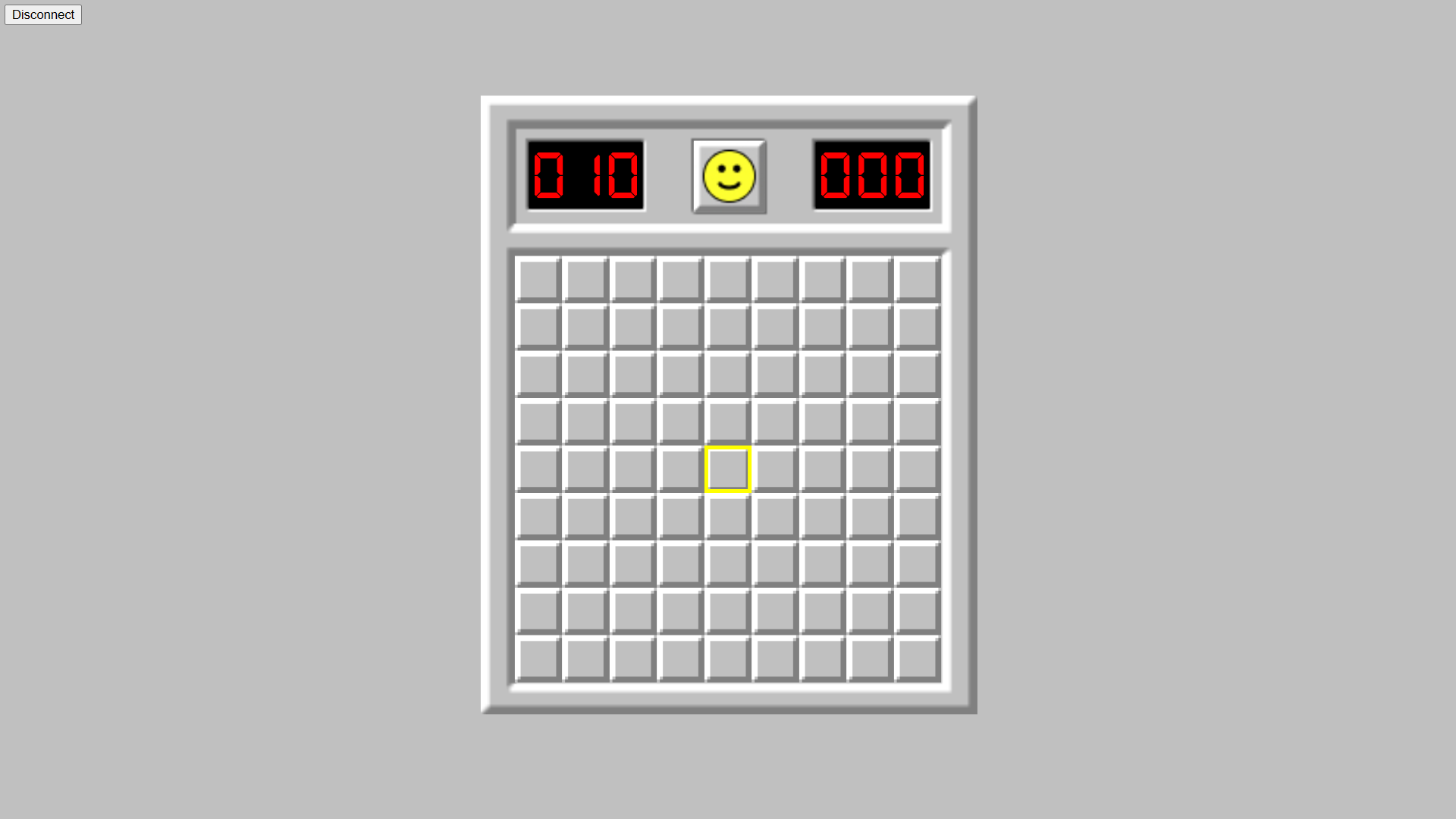
Plays a modified version of minesweeper.
- same as normal minesweeper:
- 9x9 board with 10 mines randomly planted (beginner difficulty)
- restart the game at any time
- remaining mines and seconds passed timer display
- smiley for indicating game state
- different:
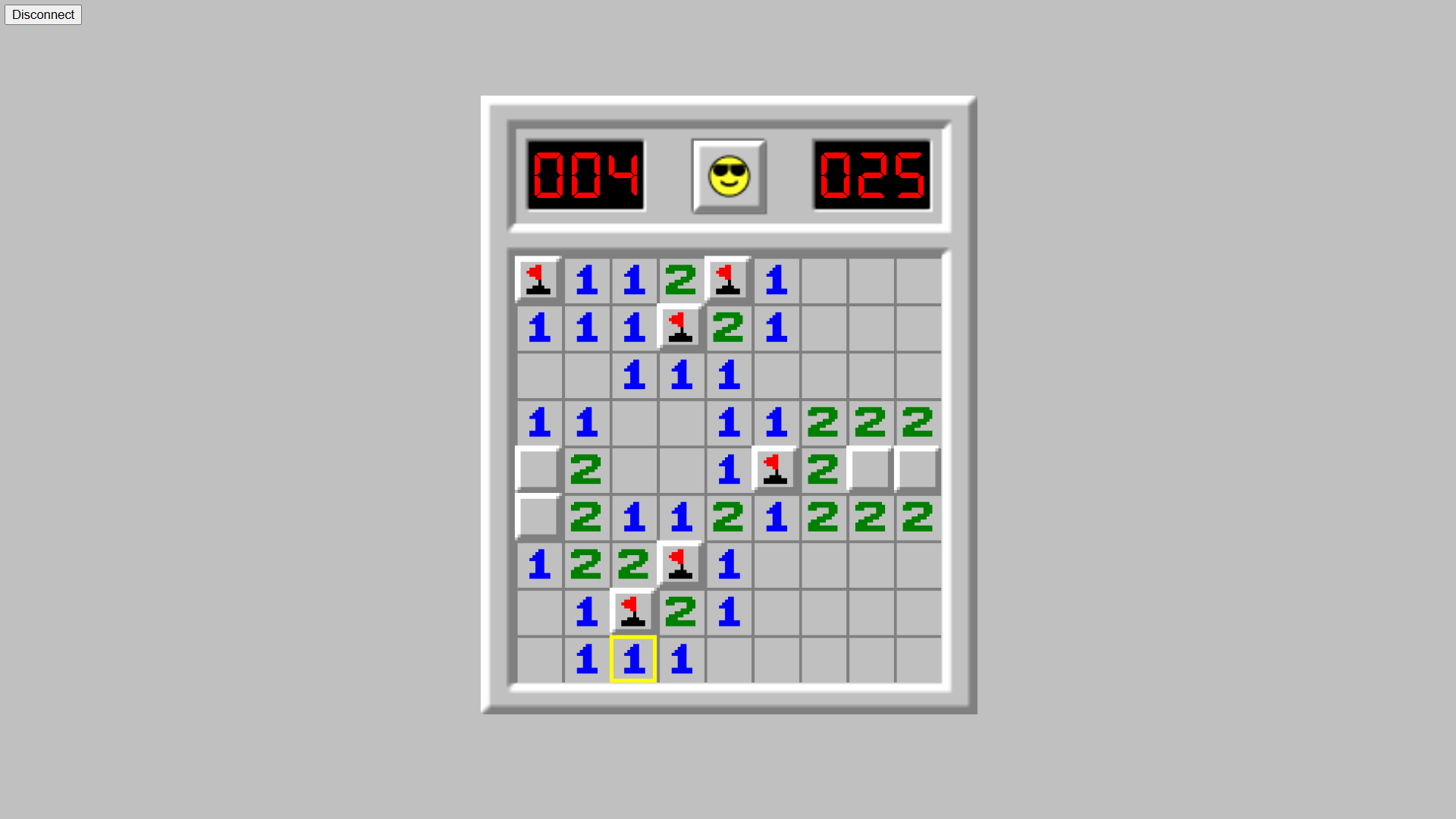
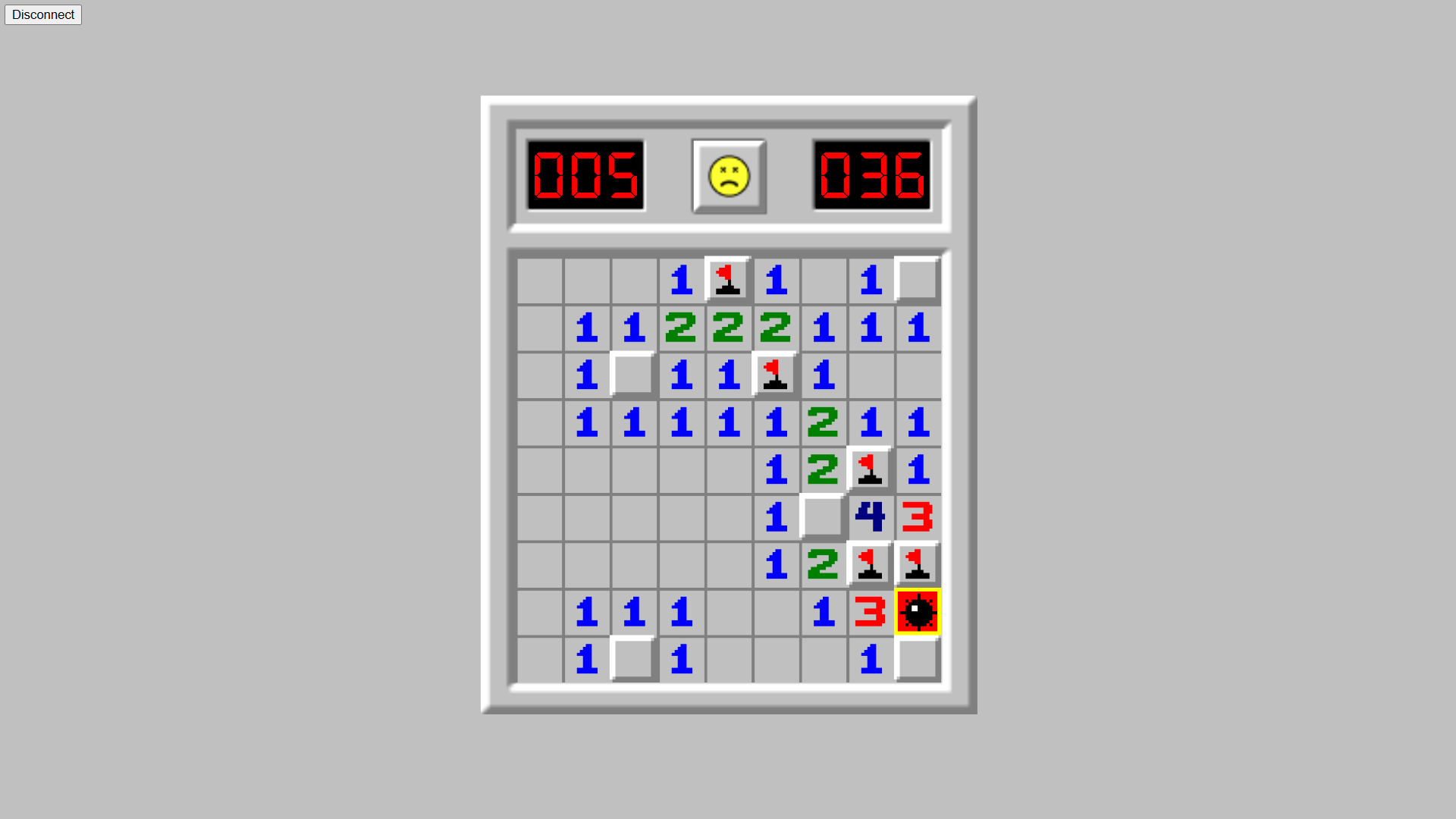
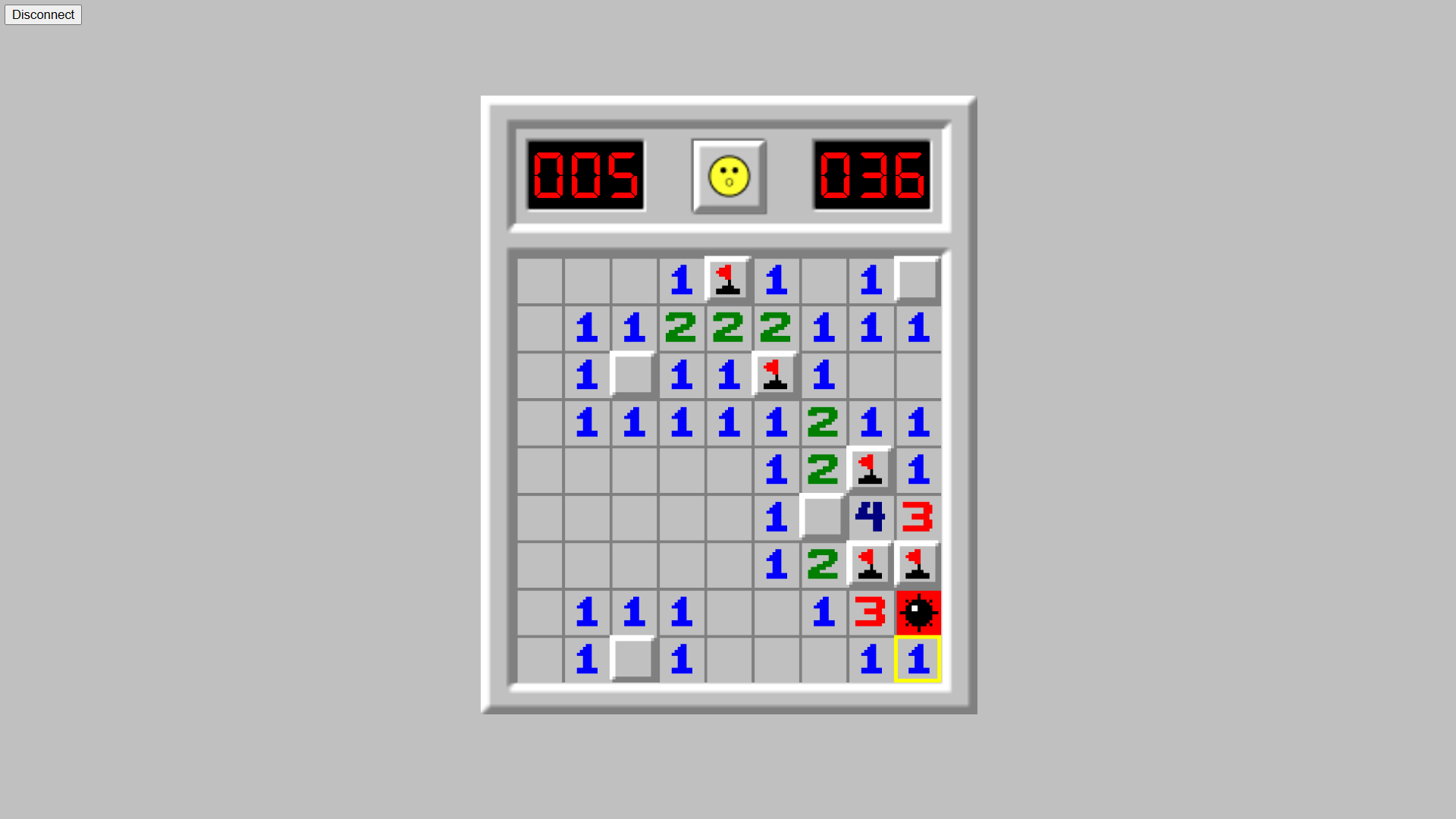
- when you hit a mine, the timer stops as normal, but you can keep going and solve the rest of the board
- the mouse hold smiley is instead used to indicate "winning" after already losing
Takes inputs from keyboard and from Arduino through serial comm
- Keyboard:
- 7 keys:
        w     e     r
  a     s     d     f
       up    dig  restart
left  down  right  flag
- 7 buttons:
      VOL+
  |<<  >||  >>|
   v   VOL-  ^
        up
left  down  right
dig   flag  restart
Development Notes
- I started with a joystick using the built-in switch and then 1 other button, but often pressing the joystick would move it as well, so I changed to 2 button switches and stopped using the built-in switch.
- I started with moving the joystick a distance from the center would move the cursor 1 cell in that direction, but the input was too sensitive, so I changed to a linear mapping for the full range of motion of the joystick to the dimensions of the board.
- With mapping, it was still too sensitive and the response speed was too high, so I changed to 2 separate twist knob potentiometers instead of having them combined in the joystick.
- On the contrary, the response speed for the potentiometers was too low, and the 2 potentiometers also felt like an unintuitive, unfamiliar interaction for moving around a board, so I decided to use an infrared remote. I would have used button switches for each, but I did not have access to that many buttons, and mounting the buttons on a casing would be much more complex, so the remote was a better option.
- In terms of coding the game functionality, I was using coordinate point arrays as elements in my sets, so two arrays with the same values in them would be considered as different and both be added to the set, because sets compare elements by object references and not contents, so the best solution for me was to convert the 2 values into 1 string and use that for set elements instead. The same applied for map keys.
- At first the board had no HUD, so there was no feedback when a game was won, so I added the smiley back in. Since that meant the HUD was there, I added the other two parts of it (mines, timer) as well. The mines count is sometimes needed to determine mine locations near the end of a game, but the timer is just for fun.
- I started with only the arrow keys for inputs and an intuitive d for dig, but I wanted to be able to play with one hand, so I added WASD along with the arrow keys and changed d into e for dig.
Operation
Web
Code
States
Circuit and Firmware
Schematic
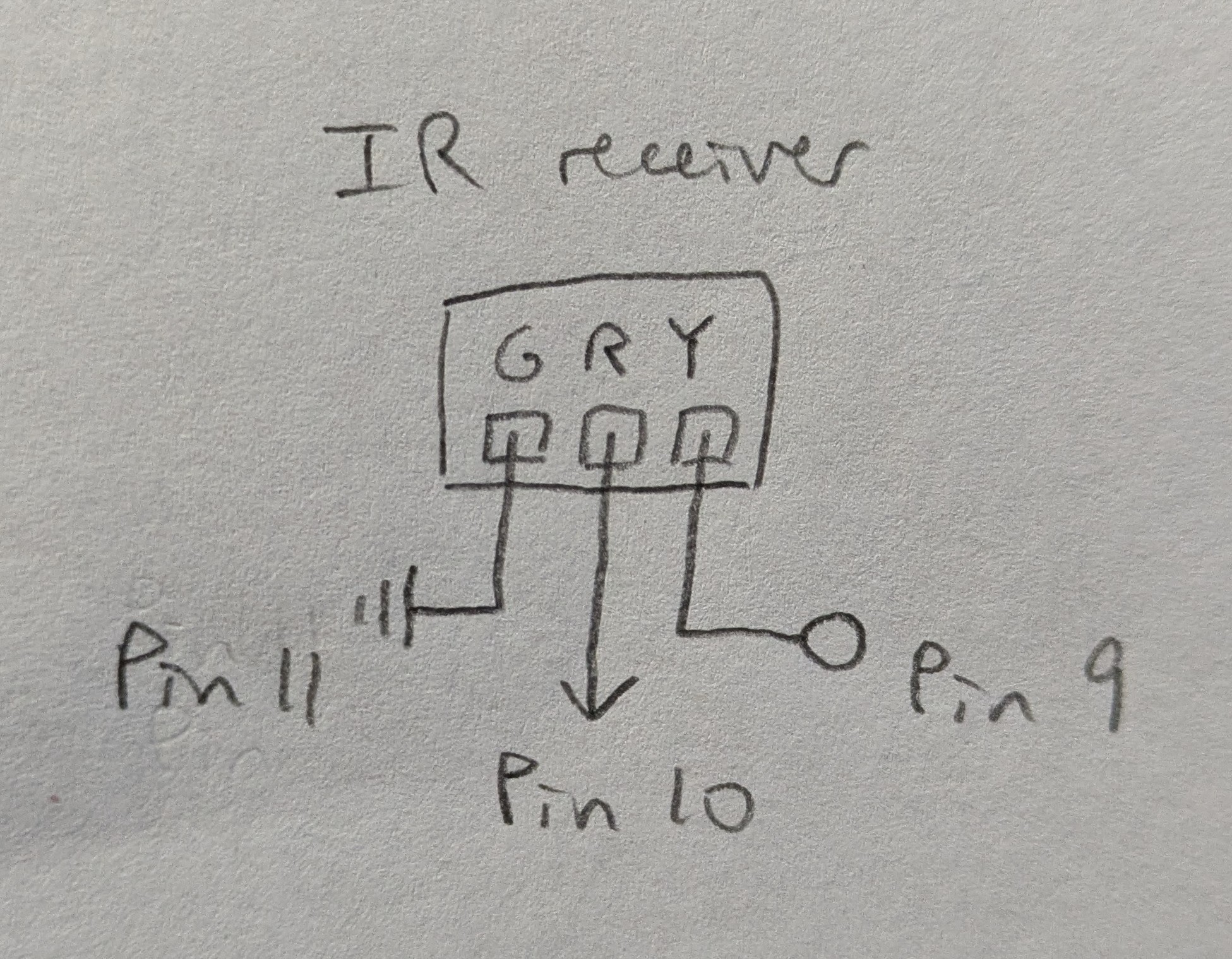
Instead of the built in GND and 5V pins, I used pin 11 and pin 10, which were adjacent to the input pin 9, so the wiring would be more secure inside the product casing.
Circuit